Google Discover SEO checklist: the verified recipe for eligibility
There is no submission button, schema trick, or shortcut. Google’s public guidance points to indexability, helpful content, honest previews, large representative images, and Search Console measurement.
Google Discover is a Google Search surface that shows people content tied to their interests. This Google Discover SEO checklist is not about “optimizing for an algorithm.” It is about making a page Google can index, keeping it within Discover policies, giving it a useful reason to exist, and making the preview accurate and visually strong.
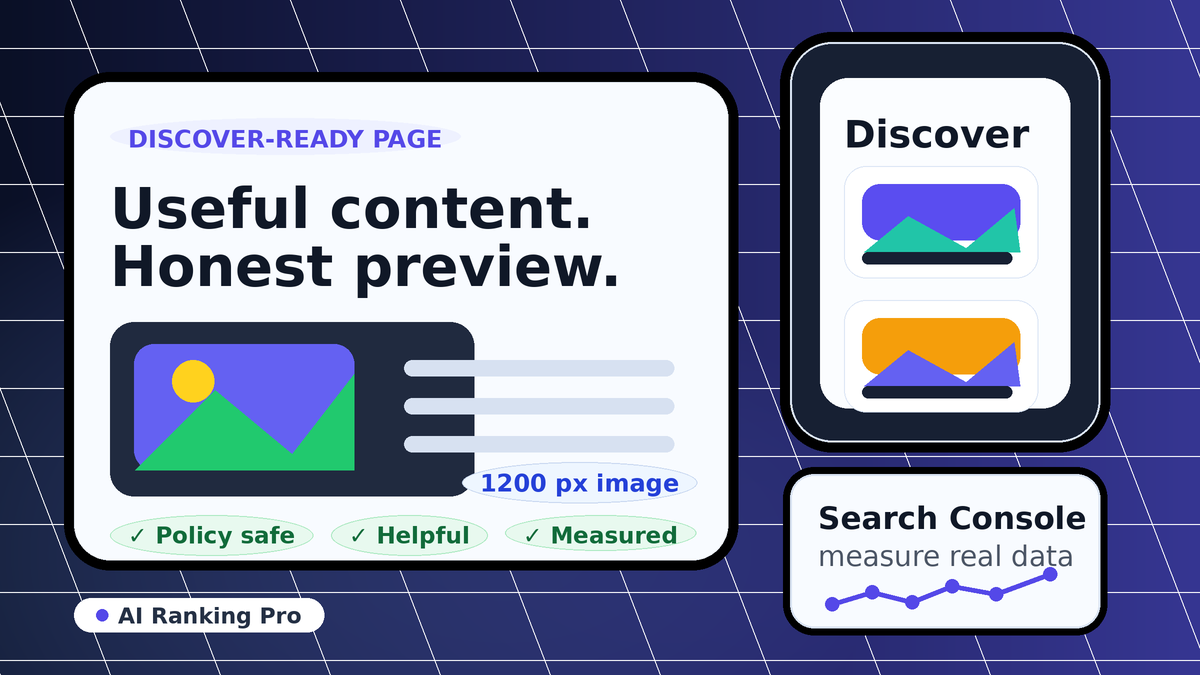
The important caveat: Google says eligibility is not the same as appearance. A page can be eligible and still never appear for a given person. Discover is personalized, so the practical goal is to improve the inputs you control, then measure whether Discover impressions and clicks actually follow.
If someone sells a fixed Discover placement, treat that as a red flag. Google’s own wording is narrower: content may be eligible when it is indexed and policy-safe, but appearance is not promised.
The verified Google Discover recipe
Make the page eligible first
Google says content is automatically eligible for Discover when it is indexed by Google and meets Discover content policies. No special tags or structured data are required for eligibility.
Write for an actual audience
Discover uses many of the same Search signals and systems used to determine helpful, people-first content. Thin rewrites, trend chasing, and search-engine-first pages are weak inputs.
Use honest previews
The title, snippet, and image must match the page. Avoid clickbait, withheld context, outrage hooks, shock value, or morbid curiosity as the reason someone taps.
Include a large representative image
Google recommends compelling, high-quality images that are at least 1200 px wide, more than 300,000 total pixels, close to 16:9, and enabled through max-image-preview:large or AMP.
Point Google at the right image
Use og:image or schema.org image markup to specify a large image that represents the page. Avoid a generic logo or text-heavy graphic as the primary image.
Monitor volatility instead of declaring victory
Discover traffic can move independently from classic Search traffic. Use Search Console’s Discover report when available, then compare pages and dates instead of assuming one change caused every spike.
Copy-paste Google Discover technical checklist
Use this before publishing a Discover-focused article, guide, or analysis page. It is a readiness checklist, not a prediction model.
What does not work
These are the most common bad interpretations of Discover advice. They either overstate what Google says or optimize the preview while weakening the page.
- There is no submit button for Discover placement.
- There is no Discover-only schema that forces a page into the feed.
- A large image helps the preview, but it does not make weak content worth surfacing.
- Clickbait can win a tap and still hurt trust. Google explicitly warns against misleading previews.
- Old content can appear if it is still helpful and relevant to a user’s interests, so freshness is useful but not the whole recipe.
How to measure Discover readiness
Before publishing
- Use URL Inspection in Search Console to confirm Google can access the URL.
- Check that the page title, H1, description, and preview image all match the same topic.
- Confirm the selected image is not just a logo and is not mostly text.
- Keep the page fast enough that the image and main content load reliably on mobile.
After publishing
- Watch Search Console’s Discover report if the property has enough Discover data.
- Compare page-level Discover impressions and clicks, not just total traffic.
- Annotate publish dates, headline changes, image changes, and major Google updates.
- Expect volatility. Discover is interest-driven and personalized, so spikes are not always repeatable.
For AI-search teams, the same discipline applies to Google AI Overviews and AI Mode: improve the public evidence, avoid hype, then measure. See the AI visibility checklist and Google AI Overviews visibility for the broader search surfaces.
Official sources used
Google claims in this page come from official Google documentation and Google-owned case material. AI Ranking Pro’s contribution is the packaging into a practical checklist.
- [1]Google Search Central, Get on Discover. Used for eligibility, policy, headline, preview, image, and measurement guidance. developers.google.com
- [2]Google Search Central, Creating helpful, reliable, people-first content. Used for people-first and quality self-assessment guidance. developers.google.com
- [3]Google Search Central, Image SEO best practices. Used for image discovery and landing-page context. developers.google.com
- [4]Google Search Central, SEO Starter Guide. Used for indexing, crawlability, and timing expectations after SEO changes. developers.google.com
- [5]Google Search Central case study on large images in Discover. Used as supporting context for max-image-preview:large and large preview impact. developers.google.com
Google Discover FAQ
-
No. Google says Discover eligibility is automatic when content is indexed and follows Discover content policies. Site owners do not need special tags or structured data for eligibility.
-
No. A large representative image is one of Google’s recommended best practices because it can improve how a Discover preview appears. The page still needs to be indexed, policy-safe, useful, and relevant to a person’s interests.
-
No. Google says Discover can surface a wide range of topics, and older content may appear when it is helpful and relevant to someone’s interests. Timely content can help, but evergreen usefulness still matters.
-
Use the Discover performance report in Google Search Console when your property has Discover data. Treat spikes and drops carefully because Discover traffic is personalized and can fluctuate more than classic Search traffic.
Want the same evidence discipline for AI search?
The $99 Snapshot checks how your brand appears across high-intent AI/search prompts, then shows the captured evidence and next actions.